Digitizing your workshop: from paper and Excel to software — without chaos during the switch
How small repair businesses manage the switch from paper chaos and Excel to workshop software — step by step, without shutting down the shop.
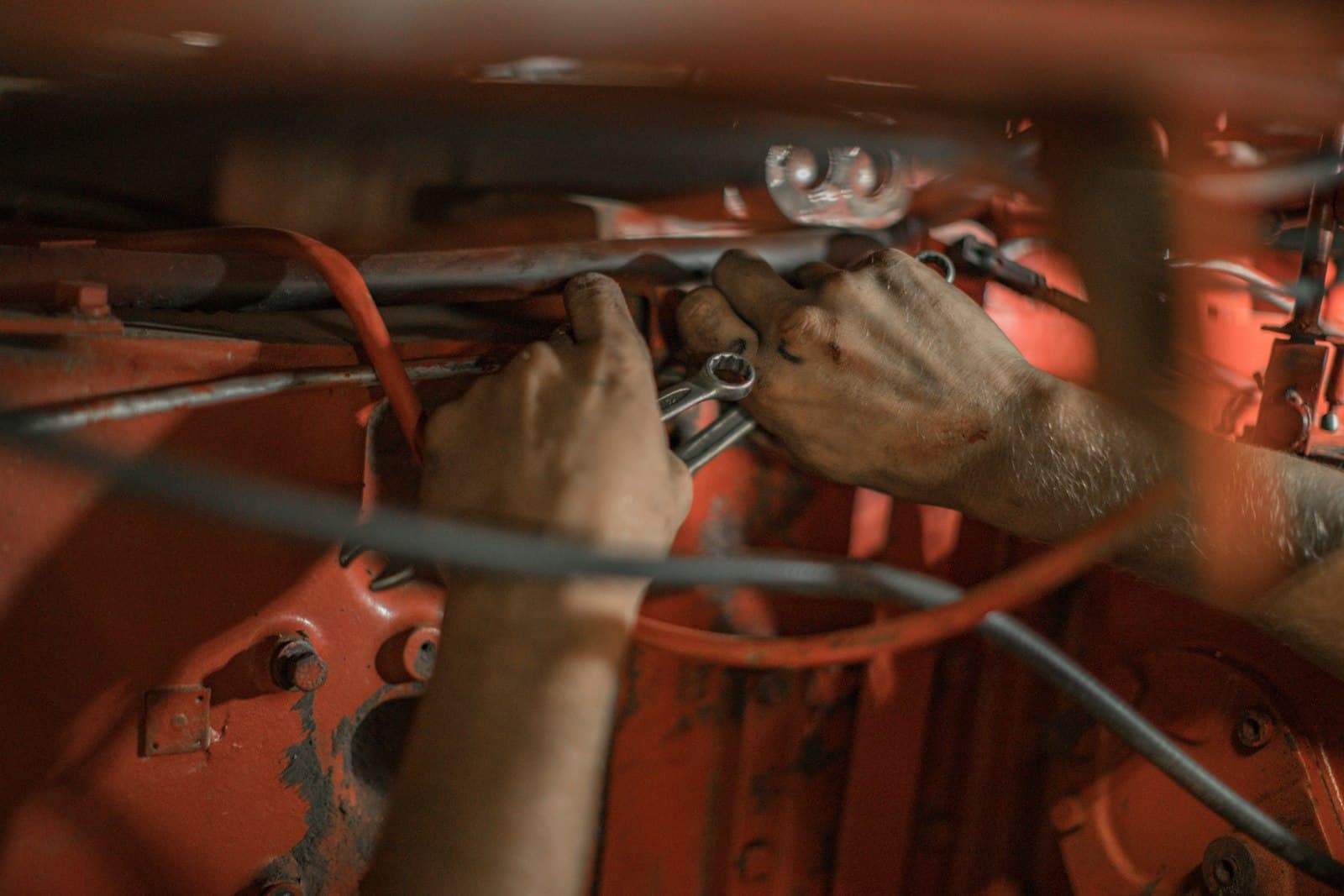
The job slip on the wall, the customer list in Excel, photos in the WhatsApp history, and the invoices in Word: that’s how a surprising number of repair businesses work — and it works. Until it doesn’t anymore: the first employee gets sick, a slip goes missing, a customer claims the scratch wasn’t there before.
The question is rarely whether to digitize, but how — without the shop standing still for two weeks.
What digitization in small businesses really fails on
Not on the technology. But on three things:
- Too much at once. Whoever switches over the register, stock, appointments, and bookkeeping all on Monday has chaos by Tuesday.
- Software built for large corporations. If rollout takes days of training, the team won’t go along with it.
- Endless double-tracking. Whoever keeps paper and the system in parallel, because no one trusts the system, has double the work instead of half.
The right order: one workflow, not ten features
It’s proven best to start with the heart of it — the path from intake to invoice:
Week 1: jobs. Every new repair goes into the system instead of onto a slip. Old slips run out and aren’t migrated. After two weeks, the wall is empty. What that brings is shown by a look at job management: status, photos, and history in one place.
Week 2: invoices from the job. Instead of a Word template, the invoice is created with a click from the job — the most common source of error (retyping) disappears.
Weeks 3 and 4: intake and customer contact. An online form for inquiries, automatic status messages to customers. From now on, the system works outward.
Stock, appointment booking, and analytics come after that — once the foundation is in place.
What has to be done before you start
- Import the customer list. The most important data set. Good providers handle the import from Excel or the old system during setup — with SimpliServ that’s part of the onboarding.
- Set up the product list. The 30 most common line items (display swap, battery, labor hour) as a catalog — after that, nobody types in prices anymore.
- Name one person in charge. One person decides on questions. Democracy in week 1 produces standstill.
Bringing the team along — without a training marathon
The honest truth: if software has to be explained like a tax form, it was the wrong choice. The everyday criterion is simple — can the new colleague create a job on their own on the first day? Modern systems also run on phone and tablet right at the workbench, not just on the office PC.
Conclusion
For a workshop, digitization isn’t an IT project but a change of habits — and that succeeds step by step: jobs first, then invoices, then customer communication. Whoever wants to be ready in 1–2 days instead of months takes a look at how SimpliServ guides the switch — including data import during setup.
Keep reading

More Google reviews for your workshop: how your profile fills up on its own
Why Google reviews decide whether repair businesses win new customers — and how, with the right timing, you automatically collect more 5-star reviews.
Read article
Check and understand e-invoices: a guide for workshops
What an e-invoice really is, which German deadlines apply, and how to inspect XML, XRechnung and ZUGFeRD files directly in your browser.
Read article
Documenting IMEI & serial numbers: your best protection in a warranty case
When a customer complains, only what's documented counts. Why phone and e-scooter workshops should track serial numbers without gaps — and how to do it without extra effort.
Read articleReady for less paperwork?
Start for free or get advice with no obligation. We set everything up — you carry on with the repairs.
14-day free trial · Setup included · Cancel any time