Repair status updates: Fewer calls, smoother handovers
A practical guide for bike, e-bike and scooter workshops that want to keep customers informed without interrupting the team all day.
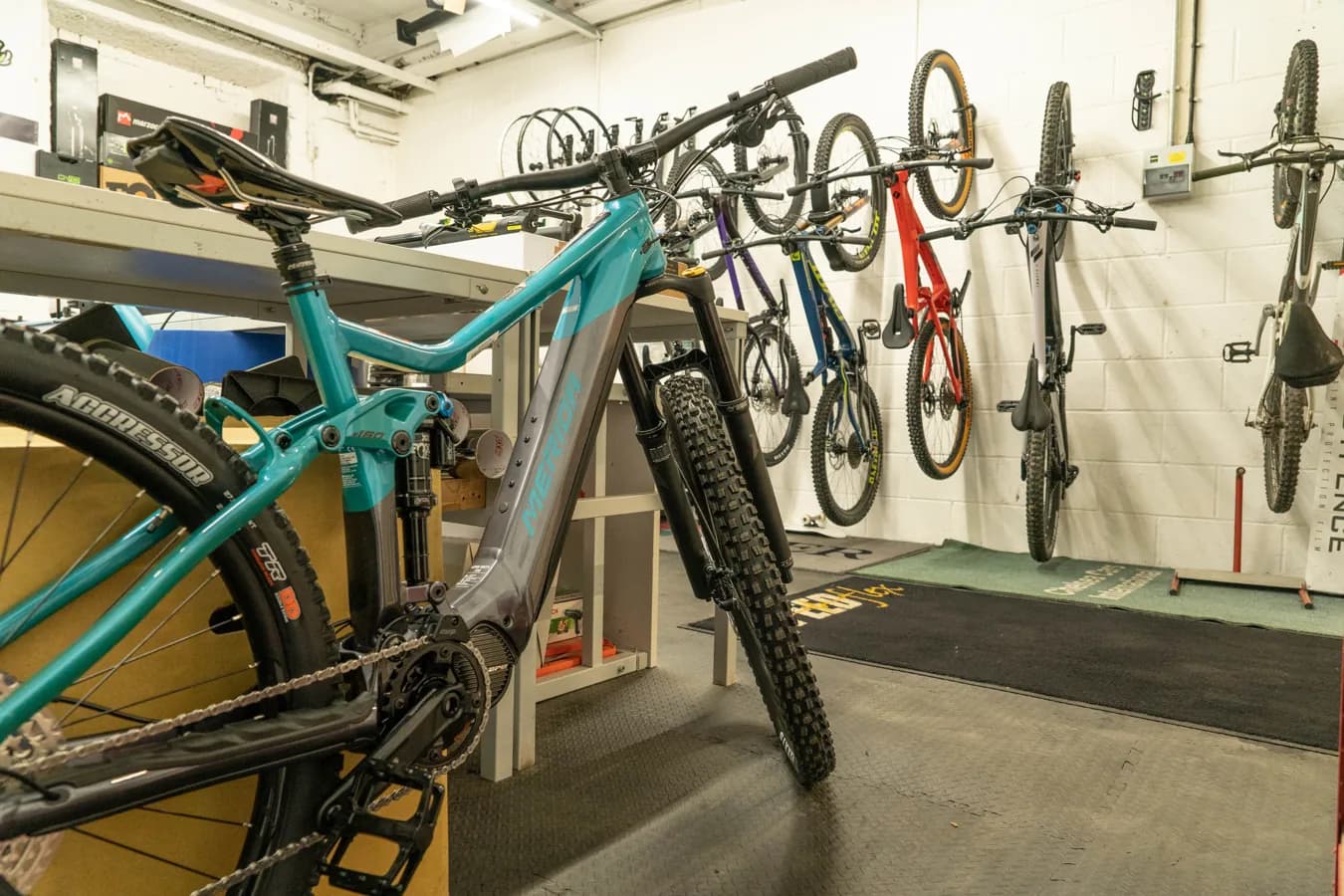
A customer calls: “Is my e-bike ready yet?” Someone at the front desk walks into the workshop, finds the work order, asks the mechanic, then calls back later. The answer may take only a sentence, but the interruption costs real time.
For bicycle, e-bike and e-scooter workshops this is a familiar pattern. Customers are not being difficult: they may depend on the bike for commuting, they may be waiting for an expensive part, or they may need to approve a repair before it moves forward. The operational problem is that unstructured status questions pull the team away from focused work.
The answer is not to send more messages. It is to define a simple status process: what gets recorded, which changes deserve an active update, and where customers can check progress themselves.
What “status communication” actually means
Status communication is the structured answer to where a repair order stands. It usually covers four moments:
- Received: the bike, scooter or request has been accepted and identified.
- Diagnosis: the team is checking the issue or preparing an estimate.
- Repair: work is in progress, waiting for parts or blocked by a customer decision.
- Completion: the order is ready for pickup, closed or cancelled.
A good status is short and unambiguous. “Waiting for estimate approval” is useful. “Open” can mean almost anything. The best statuses combine a clear stage, a next step and, when possible, a timestamp or expectation.
Why customers ask for updates
Most calls happen because one piece of information is missing:
- Did the workshop receive my bike or request?
- When will I hear back?
- Do I need to approve something?
- Why is the repair delayed?
- Can I pick it up, and what will it cost?
Not every internal movement needs a notification. But moments that create uncertainty or require customer action should be communicated proactively. That is where the majority of avoidable calls usually start.
Channels: useful, but not interchangeable
Phone calls are still the right choice for sensitive topics: expensive repairs, unclear diagnoses, complaints or anything that needs a conversation. For standard updates, they are slow and difficult to document.
Email works well for estimates, documents and longer explanations. SMS and WhatsApp are better for brief alerts such as “Your bike is ready for pickup” or “Please review the estimate.” Workshops should check consent, template rules and any platform costs before automating these channels, especially where WhatsApp templates or external messaging providers are involved.
A customer portal or status link is useful when people simply want to check progress. Instead of triggering a call, the customer can see the current stage, documents or open decisions. That reduces interruptions without making the service feel impersonal.
A simple status model for small workshops
Small teams rarely need dozens of statuses. Five to seven clear steps are often enough:
- Received — the request or vehicle has been accepted.
- Under inspection — diagnosis is in progress.
- Waiting for approval — the customer needs to approve an estimate or answer a question.
- Waiting for parts — the repair is blocked by missing materials.
- In progress — work is being carried out.
- Ready for pickup — the customer can collect the item.
- Closed — the order is complete or archived.
For each status, define who may set it, which information must be present first, whether it triggers a customer message, and whether it affects inventory, invoicing or pickup.
Practical examples
E-bike motor issue: The order starts as “Under inspection.” Once the team knows that a replacement part is needed, it moves to “Waiting for parts.” The customer receives a short message explaining that the fault has been narrowed down and that the workshop will update them again when repair can start.
Scooter estimate: The order should not sit silently in the queue. Set it to “Waiting for approval” and send a clear link to the estimate with a request to approve, decline or ask a question.
Weekend bike service: When the bike is ready, a concise pickup message is enough: opening hours, any payment note and the pickup reference. A phone call is only needed if the customer does not respond or if the case is unusual.
Implementation checklist
- Clean up the status list and remove overlapping terms.
- Capture reliable contact details, vehicle information, serial numbers and the preferred communication channel.
- Decide which status changes trigger messages: received, approval needed, delay, ready for pickup.
- Write short templates that say what happened and what happens next.
- Assign responsibility: front desk, mechanic, service lead or sales.
- Review what customers can see if you use a public status link.
- Keep room for manual communication in complex or sensitive cases.
Common mistakes
The first mistake is automating messages before the internal data is reliable. If staff forget to update the order, the system will inform the customer quickly — but incorrectly.
The second mistake is over-notifying. Customers want clarity, not a notification for every tiny internal movement. “Approval needed” matters; “inspection nearly finished” usually does not.
The third mistake is vague wording. “Your order has been updated” sounds tidy but answers nothing. “The estimate is ready. Please review it via the link so we can continue” is much more useful.
Manual process, spreadsheet or software?
A solo operator can manage updates with a disciplined list, calendar reminders and message templates. A spreadsheet can work while the volume is small and only one or two people edit it.
Dedicated software becomes useful when several team members handle orders, parts, estimates, documents and messages at the same time. In SimpliServ, workshops can maintain order statuses, use a public tracking page with customer links, and connect status information with work orders, estimates and files. The product documentation covers order tracking, order settings and SMS/WhatsApp messaging. Relevant website sections include Customer portal, Order management and Communication.
Conclusion
Better status communication is mainly an operations habit. Clear stages, clear ownership and messages at the right moments reduce calls and make handovers easier. Automation can help, but only after the workshop agrees what each status means and when customers truly need to hear from you.
Keep reading

The cash-register obligation in the workshop: what applies in Austria in 2026
From what point does your workshop need a registered cash register, what does RKSV-compliant mean — and how you meet the obligation without expensive cash-register hardware.
Read article
Charging for a cost estimate: why your fault-finding isn't a free service
Can a workshop charge money for a cost estimate? Yes — if it does it right. Here's how an estimate fee with credit toward the job works fairly for both sides.
Read article
Reducing no-shows in the workshop: 5 measures that actually work
Missed appointments cost workshops real money. These five measures lower the no-show rate — from online booking to automatic WhatsApp reminders.
Read articleReady for less paperwork?
Start for free or get advice with no obligation. We set everything up — you carry on with the repairs.
14-day free trial · Setup included · Cancel any time