Service intake forms: The data a workshop actually needs
A practical guide for bike, e-bike and scooter workshops that want to capture repair requests online and turn them into appointments, estimates or work orders without extra back-and-forth.
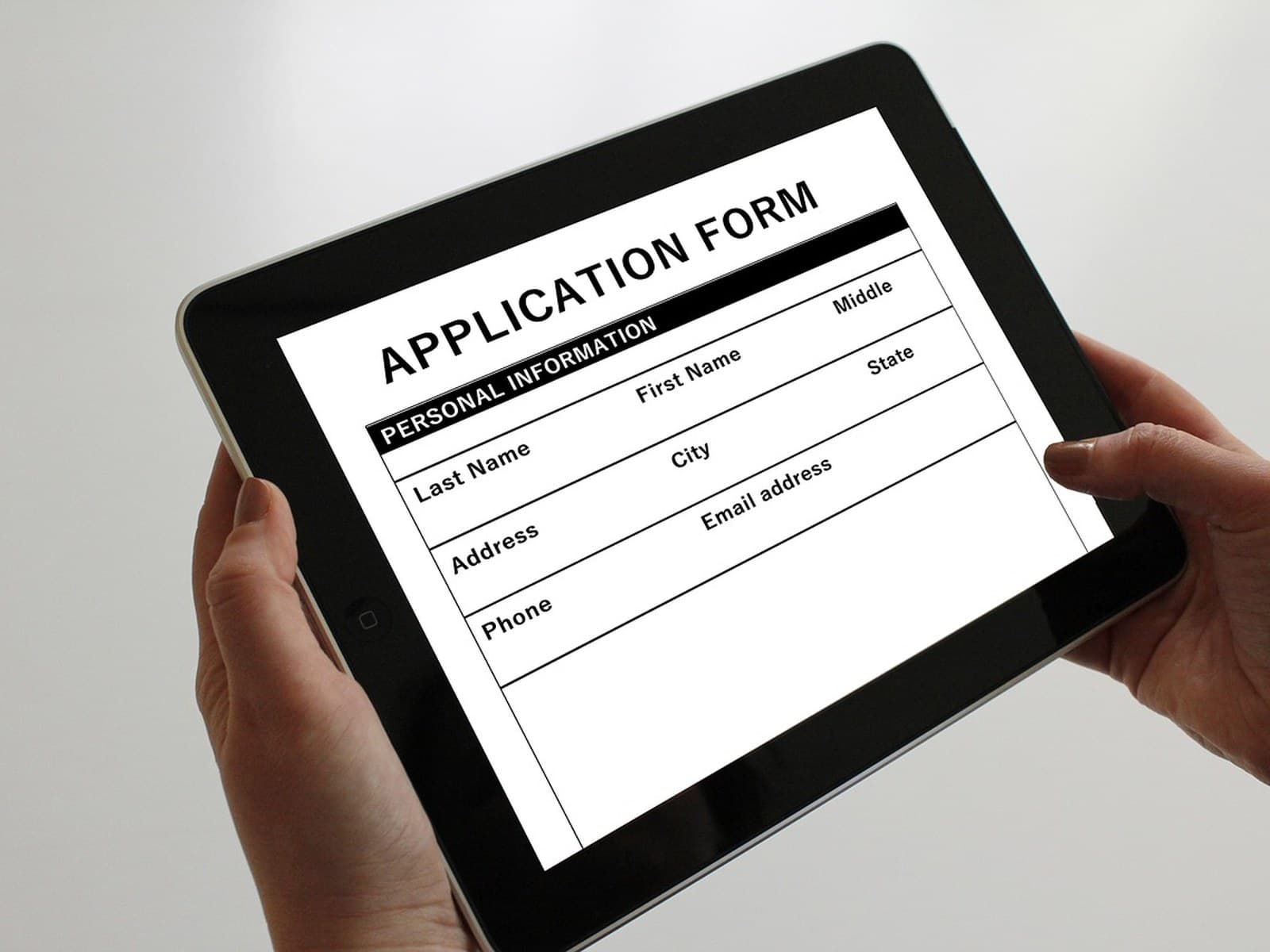
A repair often starts with a vague message: “My e-bike is making a noise — how much will it cost?” The workshop still needs the model, symptoms, photos, contact details, purchase information and whether the bike is already on site. One request turns into three follow-up questions before the actual job can begin.
A service intake form is not meant to replace a conversation. Its job is to collect the first set of facts in a structured way so the team can decide what happens next: accept the request, ask for one missing detail, suggest a slot, prepare an estimate or decline the case politely.
What an intake form should decide
The best forms are not the longest ones. They ask for the information required to make the next operational decision.
| Decision | Information needed | Typical next step |
|---|---|---|
| Can we handle this case? | Vehicle type, brand, rough issue, warranty or third-party constraints | Accept, decline or refer |
| How urgent is it? | Safety issue, not roadworthy, commuting need, preferred date | Prioritise or suggest a slot |
| Do we need diagnosis first? | Photos, serial number, error description, previous repairs | Plan inspection or ask a follow-up question |
| Is approval needed? | Budget limit, estimate preference, contact channel | Prepare an estimate |
| Can we reach the customer? | Email, phone, preferred channel, privacy consent | Send confirmation and updates |
Core fields for bikes, e-bikes and scooters
Most workshops can start with a simple structure and extend it by vehicle type:
- Contact details: name, email, phone number and preferred communication channel.
- Vehicle or device: bike, e-bike, e-scooter or another device; brand, model, colour and serial number if available.
- Problem or requested service: a free-text description plus selectable options such as inspection, puncture, brakes, gears, motor/electronics, software update or crash damage.
- Urgency: safety-critical, not rideable, daily commute affected or preferred date.
- Attachments: photos of damage, display error messages, purchase receipts or previous repair documents.
- Budget and approval: whether the customer wants an estimate first and whether a small repair limit can be approved in advance.
- Privacy and communication: consent for processing the request and, where needed, for the chosen messaging channels.
For e-bikes and scooters, serial numbers, battery or motor information and error codes are especially helpful. For standard bicycles, photos, brand, model and a clear symptom description often go a long way. Warranty cases should ask for the required documents without promising a legal outcome in the form itself.
Conditional fields prevent form fatigue
Forms become frustrating when every possible question appears at once. Conditional logic keeps simple cases simple:
- If the customer selects e-bike, show battery, motor, display and error-code questions.
- If they select crash damage, show photo upload and insurance or document notes.
- If they select inspection, keep it to a preferred date and short notes.
- If they select warranty, ask for purchase date, seller and proof of purchase.
That keeps the form easy for routine services while still capturing the details needed for complex repairs.
Privacy: collect enough, not everything
Service forms process personal data. For European businesses, the GDPR principle of data minimisation matters: collect only what is necessary for the purpose of the request. In practice, that means avoiding birth dates, ID copies or unrelated personal details when they are not needed for a repair enquiry.
Transparency matters as well. Customers should understand why the data is collected, how the workshop will contact them and where to find the full privacy information. Marketing consent and channels such as SMS or WhatsApp should be handled separately and clearly, not hidden inside one general mandatory checkbox.
From form submission to workshop queue
The operational gain comes after submission. Every request should land in a queue where the team can make a quick, visible decision.
| Status | Meaning | Action |
|---|---|---|
| New | Request received | Check completeness |
| Needs follow-up | A key detail is missing | Send a specific question |
| Accepted | Workshop will handle the case | Create appointment, work order or estimate |
| Declined | Case does not fit or capacity is unavailable | Send a polite response, optionally suggest alternatives |
| Converted | Request became an operational record | Continue in the work order, appointment or proposal |
In SimpliServ, public service forms can feed service requests into an internal list, where teams review them and convert them into work orders or estimates. The product docs cover forms, service requests and appointment requests.
Common mistakes
Too many mandatory fields: If customers must describe every detail before they can submit, they may abandon the form or call instead. Keep required fields lean.
Technical wording: “Component” may be clear to mechanics, but not to every customer. “Where does the problem happen?” with examples is usually better.
No internal owner: A form does not help if nobody reviews new submissions. Decide who triages requests and by when.
No confirmation message: After submission, customers should know what happens next: “We will review your request and usually reply within one business day.”
Privacy as an afterthought: Clear privacy language builds trust and reduces risk.
Conclusion
A good service intake form is not bureaucracy. It is a clean front door for the workshop. It asks only what the next decision requires, adapts to the device type and routes every request into a visible process. The result is less back-and-forth, better preparation and a more professional start to every repair case.
Keep reading
Repair status updates: Fewer calls, smoother handovers
A practical guide for bike, e-bike and scooter workshops that want to keep customers informed without interrupting the team all day.
Read article
The cash-register obligation in the workshop: what applies in Austria in 2026
From what point does your workshop need a registered cash register, what does RKSV-compliant mean — and how you meet the obligation without expensive cash-register hardware.
Read article
Charging for a cost estimate: why your fault-finding isn't a free service
Can a workshop charge money for a cost estimate? Yes — if it does it right. Here's how an estimate fee with credit toward the job works fairly for both sides.
Read articleReady for less paperwork?
Start for free or get advice with no obligation. We set everything up — you carry on with the repairs.
14-day free trial · Setup included · Cancel any time