Fiscal QR codes on receipts: verify, classify and run a reliable process
What a fiscal QR code on an Austrian receipt can show, why Germany is different, and a practical checking workflow for small businesses.
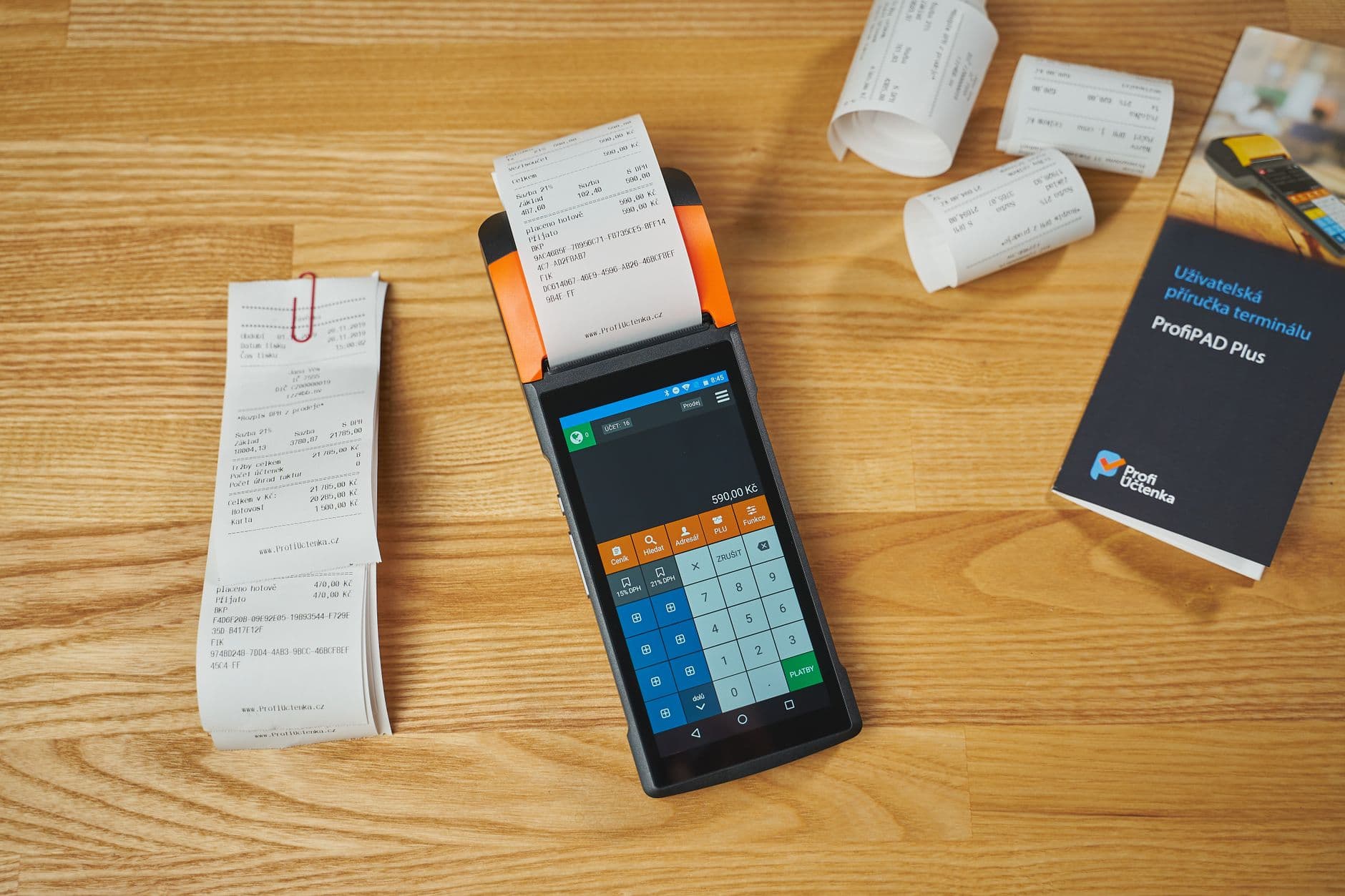
A QR code on a receipt may be a fiscal verification code – or simply a link to a digital receipt. Those purposes are not interchangeable. The sound starting point for a small business is to identify the country and receipt type before making the code part of a process.
Austria: the code is part of tamper protection
Austria’s cash-register obligation applies when both thresholds are exceeded: EUR 15,000 annual turnover per business and more than EUR 7,500 annual cash turnover. The official Austrian Business Service Portal also explains the obligation to issue a receipt for cash payments.
For a cash register subject to the obligation, the active tamper-protection mechanism is visible on the receipt as a machine-readable code, such as a QR code. It contains a signature value and makes the chronological chain of cash transactions technically verifiable. That is different from a QR code that merely opens a website or PDF.
| Question | Fiscal QR code in an Austrian RKSV register | Digital-link QR code |
|---|---|---|
| Purpose | Present signature and receipt data in machine-readable form | Open a receipt or document |
| Does it replace the receipt? | No; it belongs to the receipt and register record | No; it is a delivery method |
| What is checked? | Readability, related receipt, signature/chain context | Correct recipient, access and document version |
Germany: do not copy the Austrian pattern
Germany has its own Technical Security System (TSE) framework. Section 6 of the Cash Register Security Ordinance lists receipt information; it does not prescribe a QR code as a field. A QR code can be useful for presenting TSE information, but it is not automatically an Austrian RKSV verification code. Businesses operating across borders should not copy a receipt layout or a test routine from one regime to another.
A dependable checkout workflow
- Assign country and register: Record the local fiscal regime and POS system for each point of sale.
- Check the receipt before handover: Match date/time, sequence number, amount, payment method and register identifier to the sale.
- Test the code functionally: Read a sample receipt using the intended scanner or verification tool; do not only check that a square printed.
- Stop and document discrepancies: If the code is unreadable, the receipt data are wrong or the security system fails, do not quietly continue. Record the incident, period and contingency process, then obtain qualified support.
- Preserve evidence: Keep the copy or electronic record and the retention evidence required for the applicable regime as part of close-of-day work.
What a customer scan can and cannot prove
A scan may show that a code is readable or that a designated check is available. It does not by itself prove that a service was performed, money was paid, or every tax obligation was met. Those are separate records. The complete receipt, correctly tied to the transaction, remains the operational reference.
Questions small businesses ask
Must every QR code on a receipt be fiscal?
No. It may link to a digital receipt, review page or payment data. The data in the code and the applicable country’s rules decide.
Is a smartphone test proof of compliance?
No. It is a useful operational check, but it does not replace mandatory records or an authority’s review.
What should we do when a code cannot be read?
Record the transaction and affected period, have the technical cause investigated, and apply the local contingency procedure. Do not make hidden or back-dated corrections.
Takeaway
A QR code saves checking time when its purpose is clear. In Austria, it is part of tamper protection for an appropriately secured cash register; Germany follows a different receipt framework. A repeatable routine matters most: classify, compare data, test readability and retain records in order.
Keep reading

Invoice QR codes: verify payment data before customers scan
A practical control workflow for EPC QR codes, payment references, reconciliation and privacy.
Read article
Spot duplicate invoices before payment: a four-field check
A practical workflow for small businesses to surface possible duplicates, document questions clearly and avoid approving payments by habit.
Read article
Invoice archive for small businesses: make every document findable again
A practical workflow for trades, service and retail: connect invoices with the job, approval and original file – including an interactive filing aid.
Read articleReady for less paperwork?
Start for free or get advice with no obligation. We set everything up — you carry on with the repairs.
14-day free trial · Setup included · Cancel any time