Firmware updates in repair: document consent clearly
How repair teams can define, approve and record a firmware or software update before work begins.
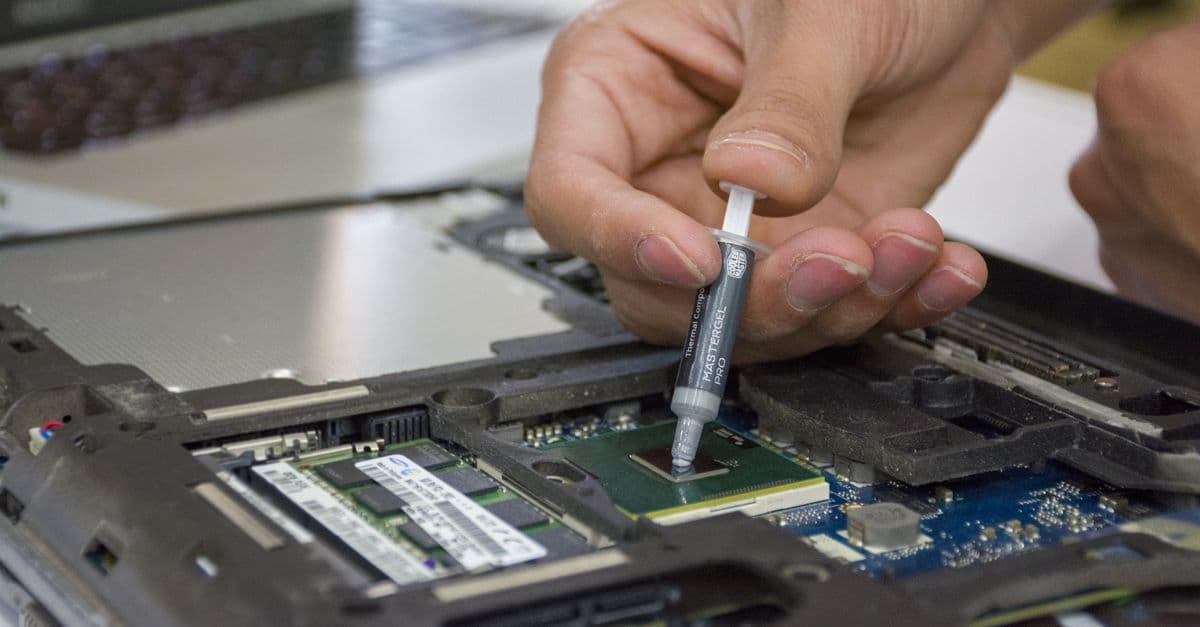
A firmware or software update can be part of diagnosing a fault, but it is not automatically covered by every repair order. It may reset settings, change behaviour or take additional time. A short, specific record of approval keeps a necessary technical step from feeling like an unexpected extra.
Define the purpose before recording approval
| Confirm before updating | Record in the job | Do not promise |
|---|---|---|
| Which reported fault is being investigated? | Device identifier, visible version and date | That the update will certainly fix the fault |
| Which effects are foreseeable? | Reset, data or functionality notice | Unverified manufacturer or security claims |
| What exactly did the customer approve? | Channel, wording or selection and responsible person | Blanket approval for later changes |
Approval does not need to be long. It needs to identify the action: “update to investigate charging fault” is clearer than “work on software”. If a question remains, keep the device in a defined waiting status until the response arrives.
Handle contact and device data with the country in mind
For businesses in Germany, Austria, France, Spain, Czechia, Croatia and Slovenia, the GDPR provides a shared data-protection framework. Article 5 includes purpose limitation and data minimisation. In practice, the agreed contact channel, device reference and work reason are usually enough for an approval record; private content and access credentials do not belong in it.
The GDPR does not apply directly in Türkiye. The Personal Data Protection Law is a relevant starting point there. For cross-border jobs, keep only information needed for the order and communication. Contract, warranty and privacy duties can differ by country and case; this article is not legal advice.
Leave a useful result for the next step
Close the update with a concise job entry: what changed, what was tested, what remains open and when the customer was informed. A central job view can keep those stages visible. That makes an update a traceable part of the repair path—not an invisible change or a substitute for proper diagnosis.
Keep reading

Receiving repairs by courier: a traceable intake workflow for workshops
How workshops match mailed-in devices to the right repair job, check them carefully and keep customers informed.
Read article
Reviewing repair quotes before they expire: a clear workshop workflow
How repair businesses keep open estimates visible, follow up without pressure, and record changes clearly.
Read article
When a repair is cancelled: close the job without losing the thread
A practical cancellation workflow for repair teams: close the status, item, parts and customer communication with a clear record.
Read articleReady for less paperwork?
Start for free or get advice with no obligation. We set everything up — you carry on with the repairs.
14-day free trial · Setup included · Cancel any time