Calculate Invoice Line Items: A 6-Step Check Before Sending
Use a repeatable check for quantity, price, discount and VAT to make invoice line items traceable – including a calculator for one line item.
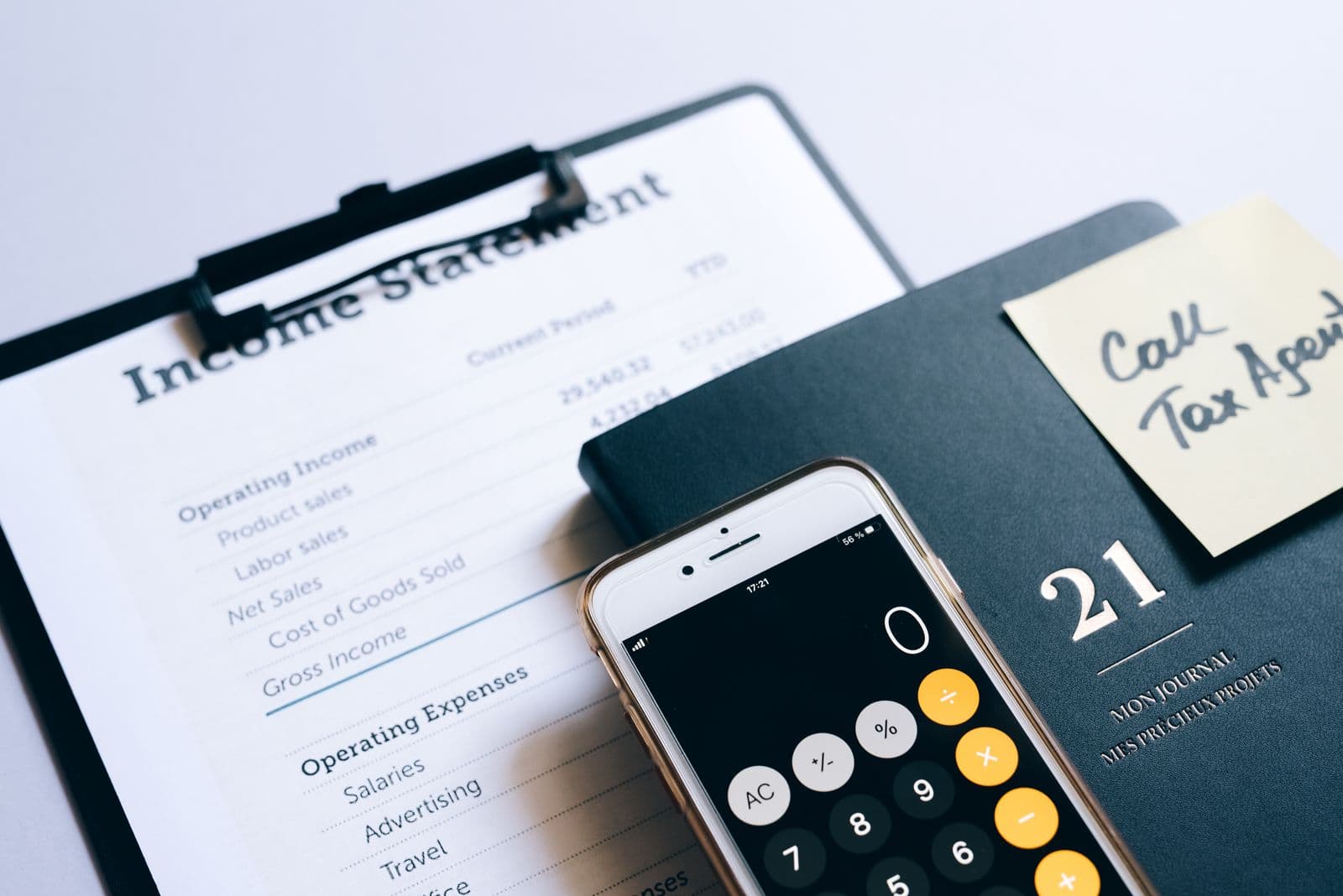
An invoice is not ready simply because its total looks plausible. In service, trade and retail businesses, labour comes from a job record, materials from stock or a supplier invoice, and a discount from an agreement. A fixed final check prevents those sources from turning into avoidable follow-up work.
This article describes an operational workflow for German businesses. It is not tax, legal or pricing advice. A specific document, tax treatment or contract should be reviewed professionally where needed.
Keep two questions separate
Before sending, treat these as separate checks:
- Is the internal calculation traceable? Every line has a source, a quantity, a pricing rule and a visible exception path.
- Does the issued invoice contain required information? Section 14(4) of the German VAT Act lists, among other things, the nature and scope of the supply, its date, the consideration, tax rate and tax amount.
A correctly added total does not automatically answer the second question. Likewise, a complete invoice field does not prove that the price path is traceable.
Give every line a source
| Line type | Useful source | Check before release |
|---|---|---|
| Labour | Time record or job report | Duration, rate and job match |
| Material | Stock movement, delivery note or purchase | Item, quantity and price rule match |
| Travel or flat fee | Quote, agreement or rate card | Trigger and scope are clear |
| External service | Supplier document or approval | Link to the customer job is documented |
| Discount or surcharge | Quote, approval or note | Reason and scope are visible |
This is an operational recommendation, not a promise of tax acceptance. It makes deviations easier to spot and a line easier to explain later.
Calculate in a fixed order
For one line item: multiply quantity by unit price, subtract the documented line discount, assign the net amount to the appropriate VAT group, calculate VAT for that group, then combine net and tax into gross. Keep consideration and VAT distinct: Section 10 of the German VAT Act states that VAT is not part of the consideration. For several tax treatments, calculate and document each group separately before producing a total.
The six-step release check
- Open the source for each line.
- Match quantity to work performed or goods delivered.
- Check the unit price against the quote, agreement or current rate card.
- Make discounts, surcharges, goodwill and rework visible.
- Check the tax group; do not copy a rate by habit.
- Ask whether a second person can reconstruct the line without chat history.
:::warning title="Do not silently overwrite exceptions" When a time record is missing, quantity differs or a price cannot be explained, keep the line in a visible clarification step and record who decided it. A correction should not become an invisible break in the workflow. :::
A modest standard that saves questions
Add these six questions to the release step, test them on five real jobs and record recurring exceptions. A documented control can support a reliable audit trail between invoice and supply; Section 14(1) of the German VAT Act permits internal control procedures for that purpose. Whether a particular workflow meets every requirement depends on the case.
:::qa title="Frequently asked questions"
Is the calculator an invoice validation tool?
No. It calculates one example line locally in the browser. It does not check invoice fields, contracts, VAT treatment, rounding rules or legal and tax compliance.
Should a discount be a separate line?
That depends on the case. Operationally, keeping its reason and scope visible is often clearer than changing a unit price without explanation.
What about several VAT rates?
Group net lines by their relevant treatment and check each group separately. Seek professional support when uncertain. :::
Keep reading

Receiving e-invoices: a practical readiness check for small businesses
Set up a workable e-invoice intake process, understand XRechnung and ZUGFeRD, and use a transparent self-check for your team.
Read article
Pack orders without mix-ups: a six-station routine for small businesses
A fixed packing flow keeps items, addresses, paperwork and delivery choices together, even when the shop floor is busy.
Read article
AI phone assistants for small businesses: handle calls without making promises you cannot keep
A practical guide for workshops, service businesses and shops: which calls an AI phone assistant can handle, what it should capture and when a person needs to take over.
Read articleReady for less paperwork?
Start for free or get advice with no obligation. We set everything up — you carry on with the repairs.
14-day free trial · Setup included · Cancel any time